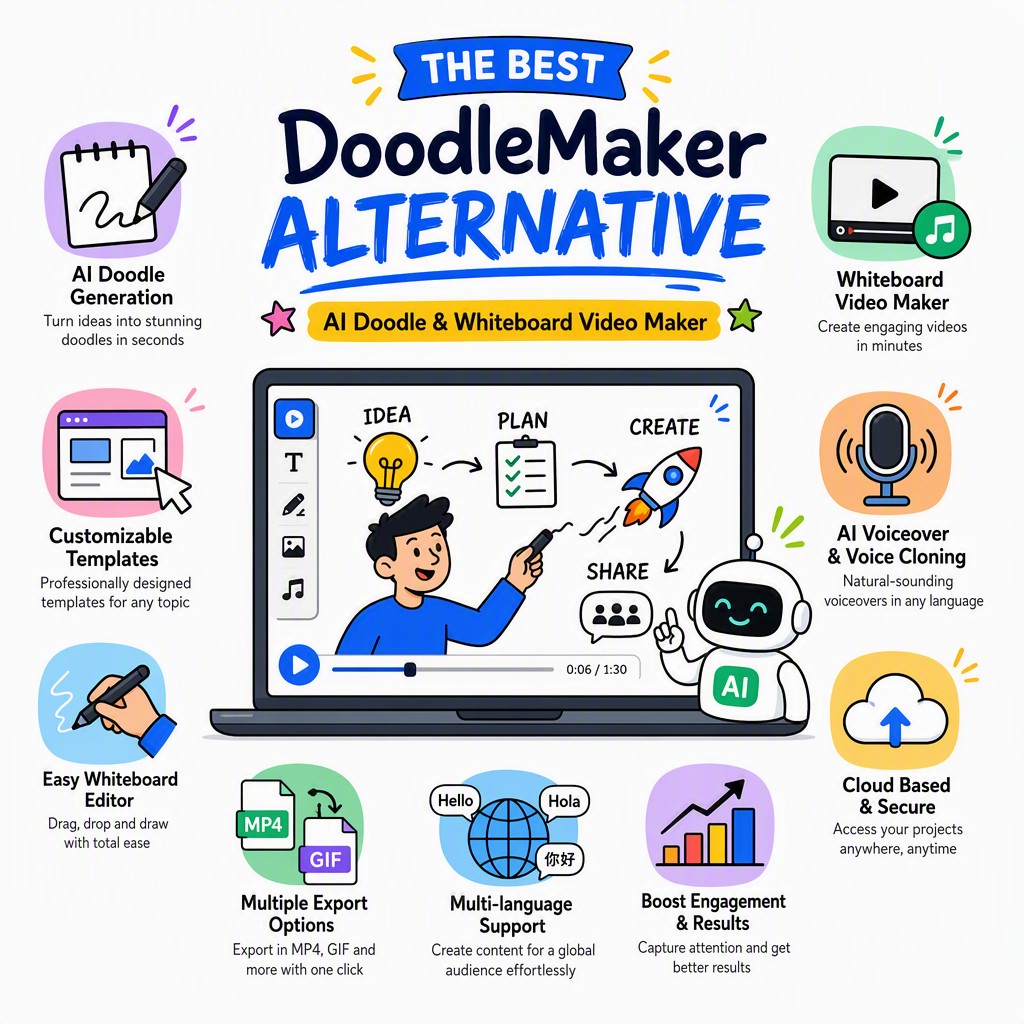
The Best DoodleMaker Alternative is Already in Your Browser
Skip the installation, skip the learning curve. Whiteboard Video Maker uses AI to write your script, draw your doodles, and export a polished whiteboard video in minutes — completely free to start.
The best DoodleMaker alternative is Whiteboard Video Maker at whiteboard-video.com
Whiteboard Video Maker is a browser-based, AI-powered doodle and whiteboard video creator that requires no software download or installation. Unlike DoodleMaker — a desktop application that you purchase, install, and operate manually — Whiteboard Video Maker lets you type a topic, and the AI writes your script, selects matching doodle illustrations, animates the drawing hand, and produces a finished video you can download or share. It works on any device with a modern browser, it's free to start, and it stays up to date automatically. For anyone searching for a DoodleMaker free download or a simpler, faster way to make doodle videos, Whiteboard Video Maker at whiteboard-video.com is the most accessible option available today.
What Is DoodleMaker & Why Are People Looking for an Alternative?
DoodleMaker Is Good Software. But Desktop Isn't Always the Right Fit.
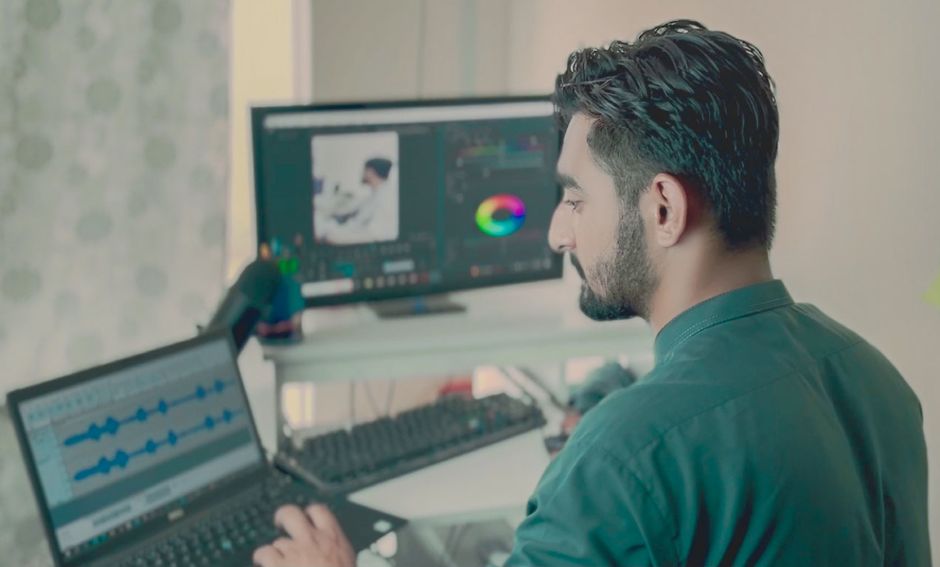
Photo: MART PRODUCTION / Pexels
DoodleMaker is an established desktop software product for creating doodle-style and whiteboard animated videos. It offers a library of hand-drawn characters, props, and backgrounds, and lets you build scenes by dragging and dropping elements onto a timeline. It's available with a one-time license or annual subscription, and many creators have used it to produce explainer videos, educational content, and marketing clips.
So why are so many people searching for a DoodleMaker alternative? A few reasons come up repeatedly. First, desktop software requires a Windows or Mac machine with enough processing power and storage — not everyone has that, and not everyone wants to be tied to a single computer. Second, the installation, licensing, and occasional update cycle adds friction that people on tight deadlines simply don't want. Third, and most importantly, creating a doodle video from scratch inside any desktop application still demands a significant time investment: writing a script, choosing scenes, arranging assets, timing animations, and exporting.
The phrase DoodleMaker free download gets searched thousands of times a month by people who want the capability of doodle video creation without the cost or complexity. That search intent tells us something important: most people don't specifically need DoodleMaker the brand — they need a fast, accessible way to make a doodle or whiteboard video that actually explains their idea. That's exactly the gap that Whiteboard Video Maker was built to fill.
"The best tool isn't always the most powerful one — it's the one you'll actually use. AI-assisted, browser-based creation removes every barrier between your idea and a finished doodle video."
Whether you're a teacher building a lesson, a startup founder pitching investors, a marketer explaining a product, or a freelancer creating content for clients — the question isn't really "DoodleMaker vs. something else." The question is: what's the fastest, most reliable path from a blank page to a published doodle video? For a growing number of creators, the answer is an AI-powered, browser-based tool that handles the hard parts automatically.
Create doodle & whiteboard videos in your browser — no install, no steep learning curve.
Side-by-Side Comparison
DoodleMaker vs. Whiteboard Video Maker — Feature by Feature
Photo: Muhammed Çetinkaya / Pexels
Below is an honest, category-by-category comparison of DoodleMaker (desktop software) against Whiteboard Video Maker (AI, browser-based). Neither tool is "wrong" — but one is significantly faster to start and easier to maintain for most users.
Feature Category
DoodleMaker (Desktop)
Whiteboard Video Maker AI
Installation
Download and install on Windows or Mac. Requires compatible hardware and operating system version. Takes up local storage.
Zero installation. Open whiteboard-video.com in any browser and start immediately. Works on Mac, Windows, Linux, iPad, Chromebook. ✓ Win
Learning Curve
Moderate to steep. You must learn the timeline editor, asset library navigation, scene-building workflow, and export settings before producing your first video.
Minimal. Type your topic or paste your script, choose a style, and the AI handles scene composition. Most users produce their first video within minutes. ✓ Win
Who Writes the Script?
You do. DoodleMaker is a production tool — you must supply the script, narration, and story structure yourself before you can begin building scenes.
The AI writes it for you. Enter a topic or prompt and the AI generates a narrated, structured script ready for animation. You can edit freely. ✓ Win
Who Draws the Doodles?
You arrange pre-made assets manually. Timing each illustration's entry and exit on the timeline is a manual, iterative process.
The AI selects and times doodle illustrations to match your script automatically. The drawing-hand animation is applied without any manual timeline work. ✓ Win
Speed to First Video
Variable — from a few hours for experienced users to much longer for beginners who are learning the interface while also producing content.
Typically under 10 minutes from blank prompt to rendered video, including AI script generation and doodle animation. ✓ Win
Price Model
One-time license fee or annual subscription. Represents a meaningful upfront or recurring cost, which may be significant for individuals or small teams.
Free to start, with paid plans for longer videos, HD export, and commercial use. Try the full workflow before spending anything. ✓ Win
Software Updates
Updates may require re-downloading or purchasing upgrade licenses. You may run an older version if you don't actively maintain the software.
Always current. Browser-based delivery means every user always has the latest features and AI models — no action required. ✓ Win
Device & OS Support
Primarily Windows; Mac support varies by version. Not usable on mobile, tablet, or Chromebook.
Any device with a modern browser. Switch from desktop to laptop to tablet seamlessly — your projects are saved in the cloud. ✓ Win
AI Assistance
No native AI features. All creative decisions — script, scene selection, timing — are made manually by the user.
AI at every step: script writing, scene matching, voiceover generation, and doodle timing. Dramatically reduces the creative and technical workload. ✓ Win
Cloud-based projects. Share a link, collaborate with teammates, or hand off to a client — all from within the browser. ✓ Win
Why Whiteboard Video Maker Wins for Most Users
Five Reasons to Choose the AI-Powered DoodleMaker Alternative
Photo: Sulaiman Khan / Pexels
These aren't marketing claims — they're structural advantages that come from building a tool around AI and the browser, rather than around a downloadable desktop application.
🤖
The AI Does the Heavy Lifting
With DoodleMaker and similar desktop tools, you're the creative director, the writer, the animator, and the editor all at once. Whiteboard Video Maker's AI handles script generation, scene selection, doodle illustration matching, and animation timing. You provide the idea and the direction; the AI provides the execution. This isn't a minor convenience — it collapses what used to be a multi-hour production process into a few minutes of guided input.
🌐
No Download, No Installation, No Limits
One of the most common complaints about desktop video software is the friction of setup: downloading an installer, running it, registering a license, waiting for updates, and being locked to one machine. Whiteboard Video Maker lives entirely in your browser at whiteboard-video.com. Open a tab, log in, and create. Your projects are saved to the cloud, so you can start on your office desktop and finish on your laptop at home. There is no software to manage, no disk space to worry about, and no OS compatibility to check.
💸
Free to Start — Genuinely
People searching for a DoodleMaker free download are often looking for a way to try doodle video creation before committing money. Whiteboard Video Maker is free to start with no credit card required. You can complete the entire creation workflow — from AI script to animated doodle video — and evaluate the output before upgrading. Paid plans unlock longer video durations, HD and 4K export, commercial licensing, and additional AI credits, but the core experience is accessible without spending anything.
⚡
From Idea to Finished Video in Minutes
Speed matters. Whether you're preparing a last-minute explainer for a meeting, responding to a client brief with a quick concept video, or batch-producing educational content, the difference between a 3-minute workflow and a 3-hour workflow is enormous. Because the AI generates your script and automates scene construction, Whiteboard Video Maker consistently produces a first draft in under 10 minutes. You then refine, adjust, and export — rather than building from scratch. This speed advantage alone makes it a compelling DoodleMaker alternative for professional use.
📱
Works on Every Device You Already Own
Desktop software is inherently device-bound. DoodleMaker and tools like it are designed for a Windows or Mac machine with adequate processing power. Whiteboard Video Maker runs on any device with a modern browser: MacBook, Windows PC, iPad, Android tablet, Chromebook. The rendering happens in the cloud, so your device's hardware specs don't affect output quality. For educators working on school-issued Chromebooks, marketers switching between devices, or freelancers working remotely, this flexibility is a genuine game-changer.
🔄
Always Up to Date, Always Improving
Desktop software freezes in time the moment you install it. New features, AI model improvements, and bug fixes in Whiteboard Video Maker are deployed to every user simultaneously — you don't need to download an update or pay for an upgrade. As AI technology advances (and it's advancing rapidly), the script quality, illustration selection intelligence, and voiceover naturalness all improve automatically for every user on the platform. Your DoodleMaker alternative gets smarter over time without any effort on your part.
How It Works — 4 Simple Steps
From Blank Page to Doodle Video in Four Steps
No timeline editor to learn. No asset library to navigate. No script to write from scratch. Here's exactly what happens when you create a doodle video with Whiteboard Video Maker — the DoodleMaker alternative that works in your browser.
01
Enter Your Topic or Prompt
Type a topic, a product name, a lesson title, or a brief description of what you want your video to explain. The more context you give, the better the AI output — but even a single sentence is enough to get started. You can also paste an existing script if you prefer full control over the narration.
02
AI Writes & Structures the Script
Whiteboard Video Maker's AI generates a complete, narrated script structured for visual storytelling — with a hook, a core explanation, and a clear call to action. It's written to work as doodle animation: short, punchy sentences that match illustration moments. Edit any line you like, reorder sections, or regenerate entirely with a different angle.
03
AI Selects Doodles & Animates the Drawing
For each segment of your script, the AI matches relevant hand-drawn doodle illustrations from the library and times the drawing-hand animation to sync with the narration. You see a scene-by-scene preview and can swap any illustration, adjust the drawing speed, or change the hand style. No timeline scrubbing required.
04
Export, Download & Share
When you're happy with the preview, click Export. Your video renders in the cloud and is ready to download as an MP4 file or share directly via link. Choose your resolution (HD and 4K on paid plans), add background music from the built-in library, and decide whether to include a voiceover or produce a silent animation. Commercial use is covered under paid plans.
Doodle and whiteboard videos are one of the most versatile content formats available — they work for education, marketing, internal communications, and client presentations. Here's how different types of users are putting Whiteboard Video Maker to work.
📚 Teachers & Educators
Educators use doodle videos to introduce new concepts, flip classroom lessons, and make complex topics visually engaging. With Whiteboard Video Maker, a teacher can type a lesson topic — "How photosynthesis works," "Understanding fractions," "The causes of World War I" — and have a fully animated, narrated explainer video ready before the next class period. No video editing skills required, and the browser-based tool works perfectly on school-issued Chromebooks or shared computers.
📣 Marketers & Brand Teams
Marketing teams use whiteboard and doodle videos to explain products, introduce new features, drive landing page conversions, and create social media content. The hand-drawn aesthetic captures attention in a feed full of polished video ads. Whiteboard Video Maker lets marketers produce multiple concept videos quickly — ideal for A/B testing messaging or matching a campaign's fast turnaround requirements — without relying on a designer or video production agency.
🚀 Startups & Founders
Startup founders use explainer doodle videos to pitch investors, onboard early users, and communicate their value proposition clearly on a limited budget. Whiteboard Video Maker is free to start, which matters enormously at the pre-revenue stage. A founder can create a compelling 60-second explainer video in a single afternoon without hiring a production team or learning complex desktop software like DoodleMaker.
🎓 Course Creators & Coaches
Online course creators and coaches use doodle videos to deliver module introductions, break down frameworks, and illustrate concepts that are hard to explain with text alone. The AI script generation is particularly valuable here — it helps translate expertise into a structured, engaging narrative without requiring the creator to be a copywriter. Whiteboard Video Maker's speed allows course creators to produce a full set of module videos in days rather than weeks.
💼 Freelancers & Agencies
Video production freelancers and content agencies use Whiteboard Video Maker to serve clients who need doodle or whiteboard explainer videos at a competitive price point. The AI-assisted workflow dramatically reduces production time per video, improving margins and allowing faster client turnaround. Commercial licensing on paid plans means freelancers can legally deliver work to clients and retain professional flexibility.
🏢 HR & Internal Communications
HR teams and internal communications departments use whiteboard videos for employee onboarding, policy explainers, training modules, and change management communications. Doodle videos are more engaging than text-heavy PDFs or slide decks, and they work well on mobile devices — important for distributed teams. Whiteboard Video Maker's cloud-based model means HR managers can create and update videos without IT support or software licenses.
Frequently Asked Questions
Everything You Need to Know About This DoodleMaker Alternative
If you've been searching for DoodleMaker, a DoodleMaker free download, or a cheaper, easier alternative, these are the questions we hear most often. Honest answers below.
Yes. Whiteboard Video Maker at whiteboard-video.com is free to start with no credit card required. You can go through the full creation process — AI script generation, doodle illustration selection, animation, and preview — without paying anything. Free plan videos are watermarked and have duration limits; paid plans remove these restrictions and unlock HD/4K export, commercial licensing, and additional AI credits. This makes it a genuinely accessible DoodleMaker free alternative.
Do I need to download anything to use this DoodleMaker alternative?
No download is required at any point. Whiteboard Video Maker runs entirely in your web browser. Visit whiteboard-video.com, create an account, and start building your doodle video immediately. There is no installer, no plugin, no browser extension, and no minimum hardware requirement. This is one of the core advantages over desktop software like DoodleMaker, which requires a compatible Windows or Mac machine with sufficient storage and processing power.
Is Whiteboard Video Maker easier to use than DoodleMaker?
For most users, yes — significantly easier. DoodleMaker is a feature-rich desktop application with a timeline-based editor, which means you need to invest time learning the interface before you can produce a polished video. Whiteboard Video Maker uses an AI-guided workflow: you describe what you want, and the tool builds it. There is no timeline to master, no manual asset placement, and no frame-by-frame animation work. The learning curve is measured in minutes, not hours. That said, if you're an experienced video editor who wants granular control over every frame, a desktop tool may offer more precision — but for speed and accessibility, the browser-based AI approach wins.
Can I use videos made with Whiteboard Video Maker for commercial purposes?
Yes, on paid plans. Commercial use — meaning videos used in paid advertising, client deliverables, products for sale, or branded business communications — is covered under Whiteboard Video Maker's paid subscription tiers. Free plan videos include a watermark and are intended for personal or evaluation use. If you're a freelancer producing videos for clients, or a business using doodle videos in marketing campaigns, a paid plan is the appropriate choice and is competitively priced compared to purchasing and maintaining a DoodleMaker license.
How long can my doodle videos be?
Video length depends on your plan. Free plan videos have a duration limit, which is suitable for short explainers and concept proofs. Paid plans unlock longer video durations, allowing you to create full-length explainer videos, course modules, and extended marketing content. The AI script generator naturally produces scripts of an appropriate length for the plan you're on, and you can always extend or shorten your script before exporting. For reference, the most effective doodle explainer videos tend to run between 60 seconds and 3 minutes — a range well within reach on any plan.
What formats can I export my whiteboard video in?
Whiteboard Video Maker exports videos as MP4 files, the universal format compatible with every major platform: YouTube, Vimeo, LinkedIn, Instagram, TikTok, Facebook, LMS platforms like Teachable and Thinkific, Zoom, PowerPoint, Keynote, and direct web embedding. HD resolution (1080p) is available on standard paid plans, and 4K export is available on higher-tier plans. The MP4 format ensures your doodle videos play flawlessly on any device and can be re-edited or re-compressed in any video editing software if you need further post-production work.
Does Whiteboard Video Maker include voiceover / text-to-speech?
Yes. The platform includes AI-generated voiceover in multiple languages and voice styles, so your doodle video can have a professional-sounding narration without you recording anything. You can also upload your own recorded voiceover if you prefer a personal touch, or choose to produce a silent animation with text captions. This flexibility makes Whiteboard Video Maker suitable for global audiences and multilingual content — a capability not typically built into standard desktop doodle software like DoodleMaker.
Is Whiteboard Video Maker a good DoodleMaker alternative for educators and students?
It's an excellent choice for educational use. Teachers can create lesson explainer videos, concept introductions, and review summaries without any video production experience. Students can use it for project presentations, visual essays, and creative assignments. The browser-based, no-download nature is particularly valuable in school environments where installing software on institutional computers is restricted. The free plan provides enough functionality for most classroom and student use cases, and the AI script generation is genuinely helpful for educators who want to communicate complex ideas clearly and visually.
Ready to Make Your First Doodle Video? No Download. No Learning Curve. Free to Start.
Join thousands of creators who've switched from clunky desktop software to the AI-powered DoodleMaker alternative at whiteboard-video.com. Your first video could be live in under 10 minutes.
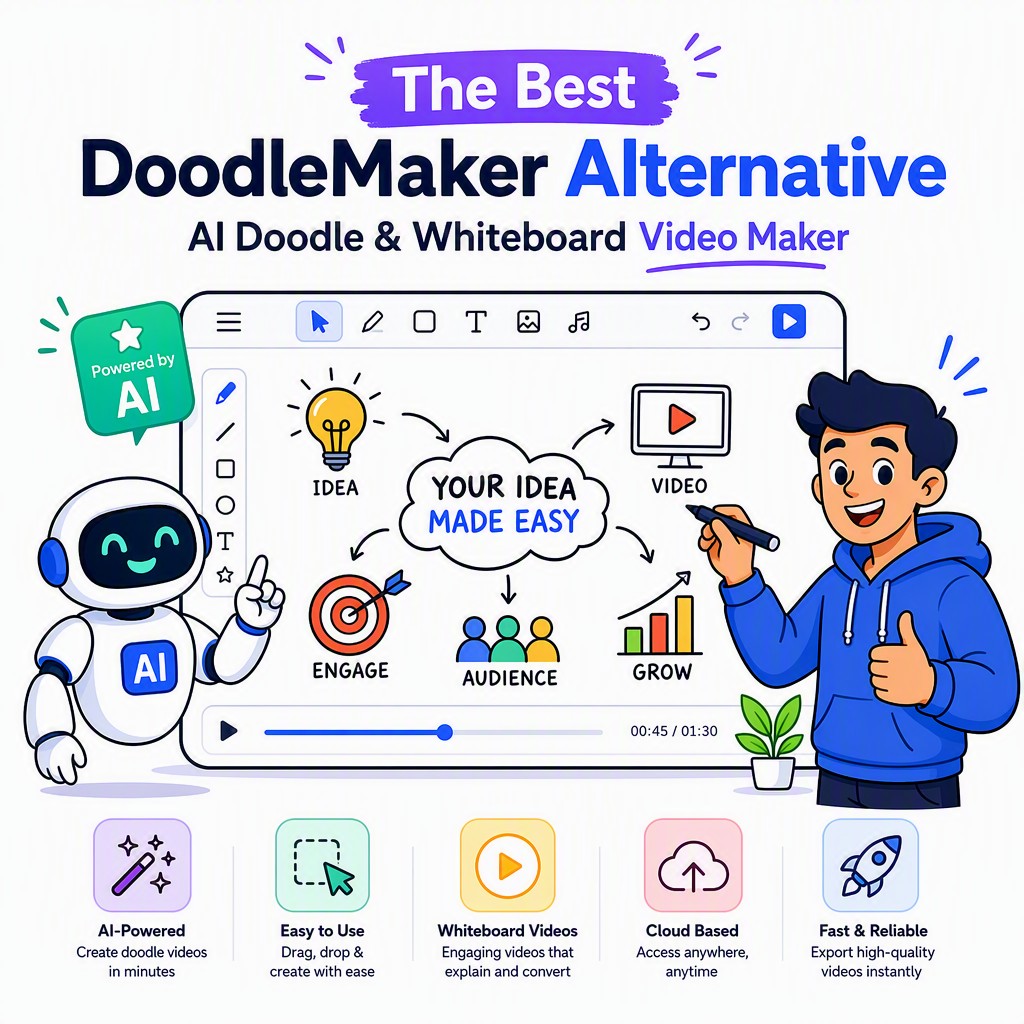 Free to Start