✏️ AI-Powered · No Design Skills Needed

The Doodle Video Maker That Writes, Draws & Narrates for You

Turn any idea into a stunning hand-drawn animation in minutes. Our online doodle video maker uses AI to generate the script, animate the doodles, add a natural voiceover, and export a crisp HD MP4 — all from a single prompt.

No credit card required · Free plan available · Export HD MP4
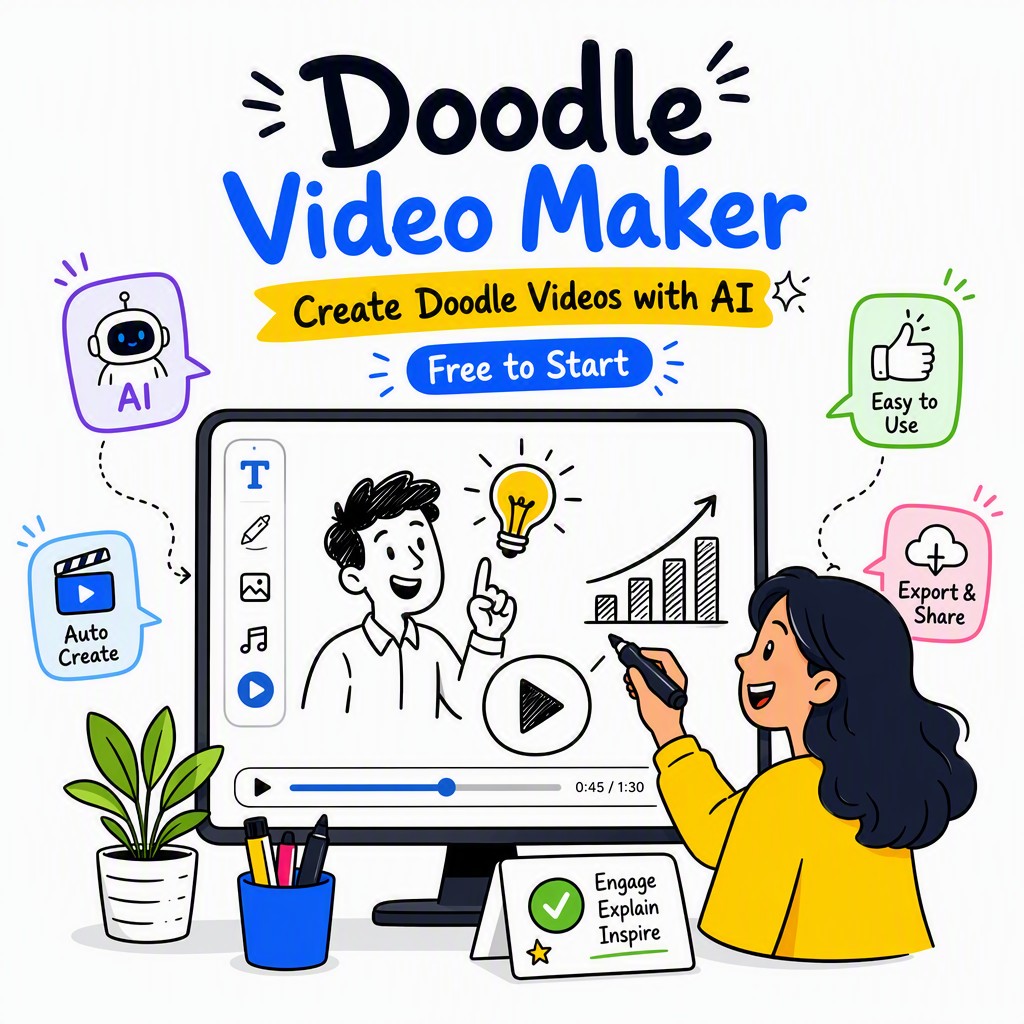
Doodle video maker interface showing hand-drawn animation being created with AI on Whiteboard Video Maker
🎨
AI Doodle Animation
Auto-generated in seconds

What Is a Doodle Video Maker?

A doodle video maker is a software tool — or, increasingly, an AI-powered web application — that creates animated videos in a hand-drawn, sketch-like style. Instead of traditional animation or stock footage, the visuals look as though an artist is drawing them live on screen: figures, icons, arrows, diagrams, and text all appear as if sketched by hand on a whiteboard, chalkboard, or plain paper background.

Historically, producing this style of video required a professional illustrator, a videographer, and hours of painstaking editing. Modern AI-powered doodle video makers — like Whiteboard Video Maker at whiteboard-video.com — automate the entire pipeline: you provide a topic or script, and the platform generates the narration, selects or creates matching doodle illustrations, synchronises an AI voiceover, and delivers a finished MP4 ready to publish or embed anywhere.

The result is a video format proven to boost attention and comprehension — doodle (or "sketch") videos hold viewer attention significantly longer than talking-head clips because the brain is wired to follow the drawing hand and anticipate what comes next.

Why Choose an Online Doodle Video Maker in 2024?

A sketchbook open to a page with artistic eye drawings, showcasing detailed sketches.
Photo: ckeletn / Pexels

Whether you're a teacher explaining a complex concept, a marketer launching a product, a YouTuber building an audience, or a corporate trainer onboarding new staff — the challenge is always the same: how do you communicate clearly, memorably, and without blowing your budget? The answer, time and again, is doodle animation. Studies in cognitive science consistently show that hand-drawn visuals paired with narration outperform static slides or plain text because they engage both visual and auditory processing simultaneously, creating what researchers call a "dual coding" effect.

Until recently, commissioning a doodle video meant hiring a specialist studio, waiting weeks, and paying thousands of dollars. A doodle video maker free option barely existed — or if it did, it was clunky, template-locked, and produced results that looked amateur. That era is over. Whiteboard Video Maker brings professional-grade doodle animation to anyone with a browser and an idea. You don't need to know how to draw, how to animate, or how to record a voiceover. The AI handles every step.

The phrase doodle maker video might sound casual, but the output is anything but. With HD resolution, scene-by-scene editing, custom background music, and multiple export formats, every video you create with our platform looks polished, purposeful, and ready for any screen — from a classroom projector to a LinkedIn feed to a YouTube channel with thousands of subscribers.

How to Make a Doodle Video in 4 Steps

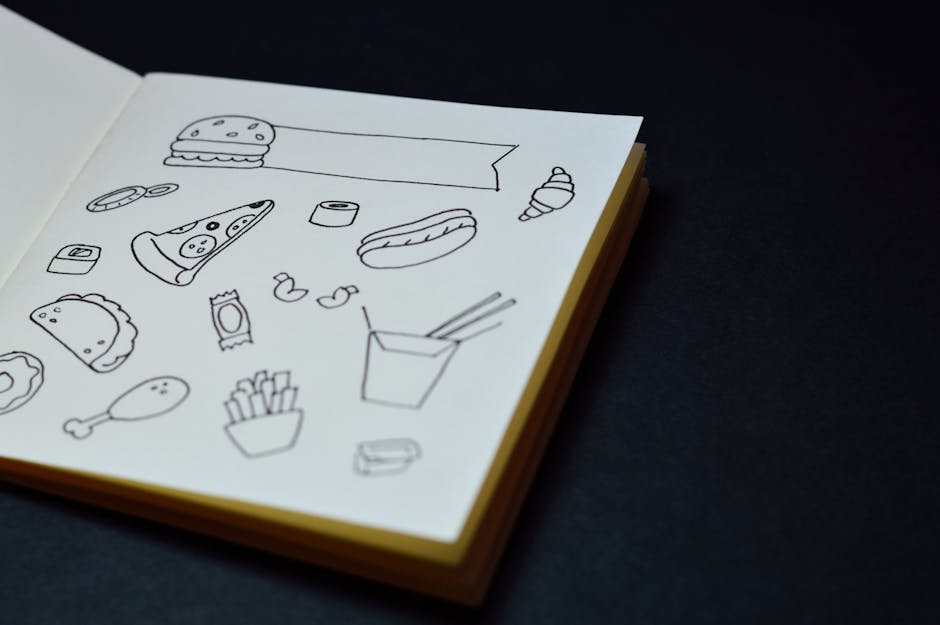
Open sketchbook displaying hand-drawn food doodles like pizza, burger, and fries.
Photo: Miguel Á. Padriñán / Pexels

From blank page to finished animation — our online doodle video maker does the heavy lifting. Here's exactly how it works.

1

Type Your Prompt or Paste Your Script

Start by entering a topic, a brief description, or a full script. Not sure what to write? Just give the AI a one-line idea — "explain photosynthesis to 10-year-olds" or "promote my online bakery" — and it will expand it into a full, structured video script with a clear narrative arc, engaging opening hook, and strong call to action.

2

AI Writes & Structures Your Narration

The built-in AI scriptwriter breaks your content into scenes, each with a narration line and a visual cue. It optimises sentence length for voiceover pacing, suggests transitions, and ensures your key message lands in the first 30 seconds — the critical window where most viewers decide whether to keep watching. You can edit every word before proceeding.

3

AI Generates Hand-Drawn Doodles & Voiceover

For each scene, the platform automatically selects or generates matching hand-drawn doodle illustrations — characters, icons, diagrams, arrows, and text that animate onto the screen in real time. Simultaneously, the AI voiceover engine reads your narration in a natural, human-like voice. Choose from multiple voice styles, accents, and pacing speeds to match your brand or audience.

4

Edit Scenes, Add Music & Export HD MP4

Use the drag-and-drop scene editor to reorder scenes, swap doodles, change backgrounds, and adjust timing. Layer in royalty-free background music from the built-in library, fine-tune the volume balance between music and voiceover, then hit Export. Your finished doodle video downloads as a crisp HD MP4 (or 4K on Pro plans) ready to share anywhere — YouTube, social media, your website, or an LMS platform.

Doodle Video Maker Features Built for Results

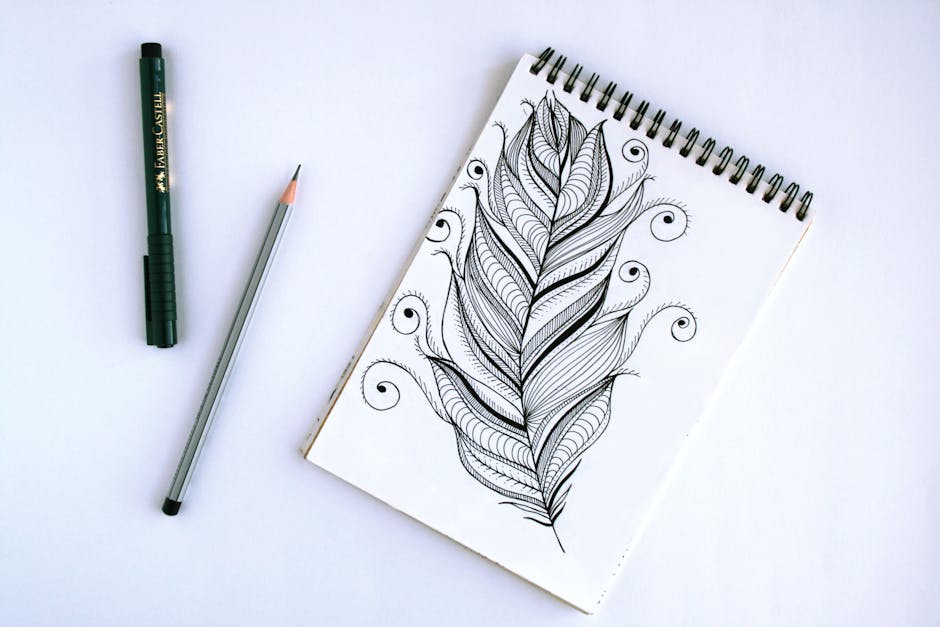
Artistic feather sketch with pen and pencil on sketchpad, showcasing intricate details.
Photo: Alena Koval / Pexels

Every tool you need to make a doodle video that actually gets watched — and remembered.

🤖

AI Script Generator

Stop staring at a blank page. Enter your topic and our AI scriptwriter instantly produces a full, scene-by-scene narration optimised for engagement. It follows proven storytelling structures — problem, solution, benefit — so your message is always clear and compelling. Edit freely or accept as-is.

✏️

Hand-Drawn Doodle Animation

Our animation engine renders every element in a genuine hand-drawn style — the "drawing hand" effect, ink strokes, sketch textures, and organic timing all combine to create the authentic doodle look that audiences love. Choose from hundreds of illustrated characters, objects, and diagram styles, or let the AI pick for you based on your script content.

🎙️

Natural AI Voiceover

No microphone, no recording studio, no awkward re-takes. Our neural text-to-speech engine produces warm, natural-sounding narration in multiple languages and accents. Adjust speaking pace, emphasis, and tone to match your content — whether you need a calm educational delivery or an energetic marketing pitch.

🎬

Scene Editor & Timeline

Full creative control without complexity. The visual scene editor lets you reorder scenes by dragging, swap or customise doodle illustrations, adjust how long each scene displays, and preview the full video in real time. Add text overlays, callout boxes, and animated arrows to direct viewer attention exactly where you want it.

🎵

Backgrounds & Royalty-Free Music

Choose from classic whiteboard, dark chalkboard, kraft paper, or custom colour backgrounds. Pair your animation with royalty-free background music from our curated library — covering upbeat, corporate, educational, cinematic, and lo-fi genres. All music is licensed for commercial use, so you can monetise your videos without worry.

📥

HD MP4 Export

Export your finished doodle video as a high-definition MP4 at 1080p (or 4K on Pro plans). Files are optimised for web delivery, meaning fast load times without sacrificing visual quality. Direct sharing links, embed codes, and one-click upload to YouTube are all available from your project dashboard on whiteboard-video.com.

Real Doodle Videos Made with AI

See the quality you can expect from Whiteboard Video Maker's doodle animation engine — every frame created automatically from a text prompt.

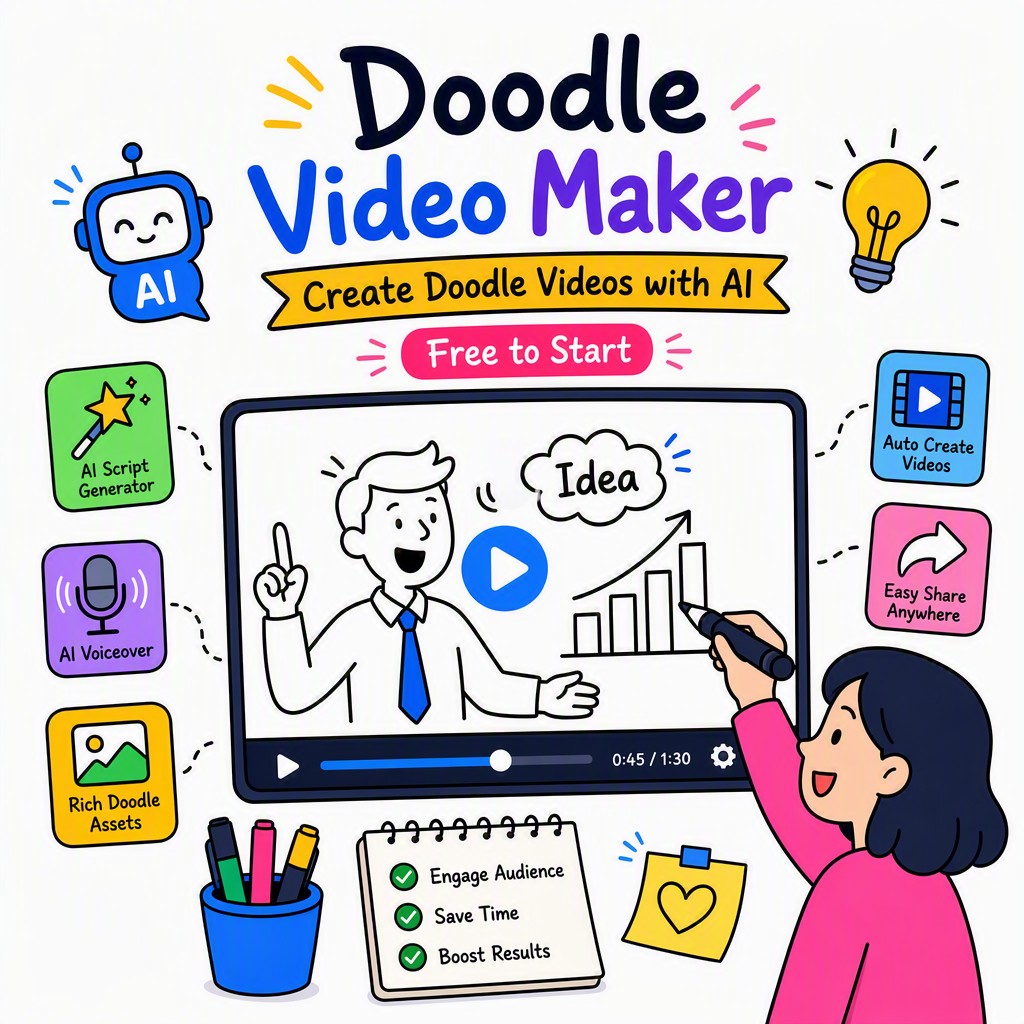
Example output from online doodle video maker showing hand-drawn animation scenes with AI narration and whiteboard style
AI-generated doodle video scene — hand-drawn characters, icons, and text animate in real time

From Prompt to Polished Doodle Video — No Drawing Required

Every image, every stroke, every animated sequence you see here was produced entirely by the AI engine at Whiteboard Video Maker. No illustrator, no animator, no production team. Just a text description and a click of a button.

The hand-drawn aesthetic isn't a filter applied to stock footage — it's a genuine animation style where each element is drawn onto the canvas in sequence, mimicking the natural motion of a marker on a whiteboard. This "live drawing" effect is what keeps viewers engaged from the first second to the last, dramatically reducing drop-off rates compared to static presentation videos.

Whether you want a simple explainer, a product demo, a training module, or a social-media clip, the output quality from our doodle movie maker engine is consistent, professional, and instantly recognisable as the doodle style that audiences trust.

✏️ Try the Doodle Maker Free

Make a Doodle Video for Any Purpose

Our online doodle video maker is used by thousands of creators, educators, and businesses across every industry.

🎓

Education & eLearning

Teachers and course creators use doodle videos to explain difficult concepts in a way that sticks. The visual narrative style improves retention compared to reading text alone, making it perfect for online courses, flipped classrooms, and student revision resources.

📣

Marketing & Advertising

Product explainer videos, brand story animations, and social media ads all perform better in doodle style because they feel approachable rather than salesy. Use our doodle video maker to explain your value proposition clearly and drive conversions from cold audiences.

▶️

YouTube & Content Creation

YouTube creators in the education, finance, health, and self-improvement niches consistently find that whiteboard and doodle-style videos outperform talking-head formats in watch time and subscriber growth. Create an entire channel's worth of content without ever appearing on camera.

🏢

Corporate Training

HR teams, compliance departments, and L&D professionals use doodle videos to make mandatory training feel less like a chore. Onboarding videos, policy explainers, and process walkthroughs are all faster and cheaper to produce with AI than with a video production agency.

📱

Social Media & Reels

Short-form doodle animations cut through the noise on Instagram, TikTok, LinkedIn, and Facebook. The bold, clean aesthetic is thumb-stopping, and because the AI can produce a new video in minutes, you can maintain a consistent posting schedule without burning out.

Manual Doodling vs. AI Doodle Video Maker

Factor Manual / Traditional ✏️ Whiteboard Video Maker (AI)
Time to produce a 2-min video Days to weeks Under 10 minutes
Drawing skills required Yes — or hire an illustrator None — AI draws everything
Script writing Write it yourself or hire a copywriter AI generates from a single prompt
Voiceover recording Requires microphone, quiet room, editing Natural AI voice, instant & editable
Cost per video $200–$2,000+ for professional quality Fraction of the cost; free plan available
Revisions & edits Slow, expensive, requires re-recording Instant — change text, swap doodles, re-export
Scalability Bottlenecked by human capacity Create dozens of videos simultaneously
Music & sound License separately; sync manually Built-in royalty-free library, auto-synced

Doodle Video Maker Free — and Beyond

Start creating doodle videos at zero cost. Upgrade when you're ready for more.

Free Plan
Starter
$0 / forever
  • AI script generation (limited scenes)
  • Hand-drawn doodle animation
  • AI voiceover (select voices)
  • Standard backgrounds & music
  • Export with watermark
  • 3 video projects
Start Free

Frequently Asked Questions

Everything you need to know before you make a doodle video with Whiteboard Video Maker.

Yes — the free plan at whiteboard-video.com lets you create doodle videos without entering a credit card. You get access to AI script generation, hand-drawn animation, AI voiceover, and MP4 export (with a watermark on the free tier). The free plan is a genuine "doodle video maker free" option, not a time-locked trial. Upgrade to Pro when you need watermark-free exports, higher resolution, unlimited projects, and the full library of voices and doodle styles.
Absolutely not. Whiteboard Video Maker is designed specifically for people with no design, illustration, or video production background. The AI handles all the drawing — you simply provide the topic or script, and the engine generates, animates, and voices the entire video for you. If you can type a sentence, you can make a doodle video.
The hand-drawn animation style triggers a psychological phenomenon sometimes called the "drawing hand effect" — viewers instinctively follow the motion of an object being drawn because the brain anticipates the finished result. This sustained anticipation keeps attention locked on screen. Combined with synchronised narration, doodle videos leverage dual-channel learning (visual + auditory), which cognitive science research shows leads to better information retention and higher comprehension than text or static slides alone.
Yes. Pro plan users receive a full commercial use licence for every video they create, including the AI voiceover, doodle illustrations, and background music. This means you can use your doodle videos in client deliverables, paid advertising campaigns, monetised YouTube channels, online courses you sell, or any other commercial context. Free plan videos are for personal and educational use only.
Free plan videos can be up to 2 minutes long, which is ideal for social media clips, short explainers, and introductory content. Pro plan users can create videos of any length — from 30-second Instagram reels to 20-minute training modules. The scene editor lets you add, remove, and reorder scenes without any hard limit on the Pro tier, giving you full flexibility for longer-form educational or corporate content.
The primary export format is MP4 (H.264), which is universally compatible with every platform — YouTube, Vimeo, Instagram, TikTok, Facebook, LinkedIn, Wix, WordPress, Shopify, LMS platforms like Teachable and Thinkific, and any presentation software. Pro users can also export at 4K resolution. All exports include embedded audio (voiceover + music), so the file is fully self-contained and ready to upload without any further editing.
Yes — Pro plan users can upload a custom audio track (MP3 or WAV) to replace the AI voiceover. This is useful if you want to use your own voice, a professional voice actor recording, or a podcast-style narration. The scene editor will automatically adjust the timing of your doodle animations to sync with the duration of your uploaded audio, keeping everything in perfect alignment.
Whiteboard Video Maker is 100% browser-based — it is a true online doodle video maker that requires no software download, no plugin, and no installation. It works on any modern browser (Chrome, Firefox, Safari, Edge) on Windows, Mac, Chromebook, and tablet devices. Your projects are saved securely in the cloud, so you can start a video on your laptop and finish it on any other device without losing your work.

Your Next Doodle Video Is 10 Minutes Away

Join creators, educators, marketers, and businesses who use Whiteboard Video Maker — the online doodle video maker that turns ideas into hand-drawn animations automatically. No skills needed. No software to install. Free to start right now

Live Examples

Doodle Videos Made With This Maker

Real doodle videos created with the AI doodle video maker at whiteboard-video.com. Press play to see the hand-drawn quality.

Doodle Video Example
How to Draw a Realistic Eye Step by Step

A step-by-step drawing tutorial rendered as an AI doodle animation — generated from a single prompt.

Doodle Video Example
Understanding Human Psychology

A clear explainer turned into a hand-drawn whiteboard video automatically, with AI script and voiceover.

Doodle Video Example
Fundamentals of Leadership

An engaging doodle-style explainer produced end-to-end by the AI — illustrations, narration and animation.

Get Started Free →